
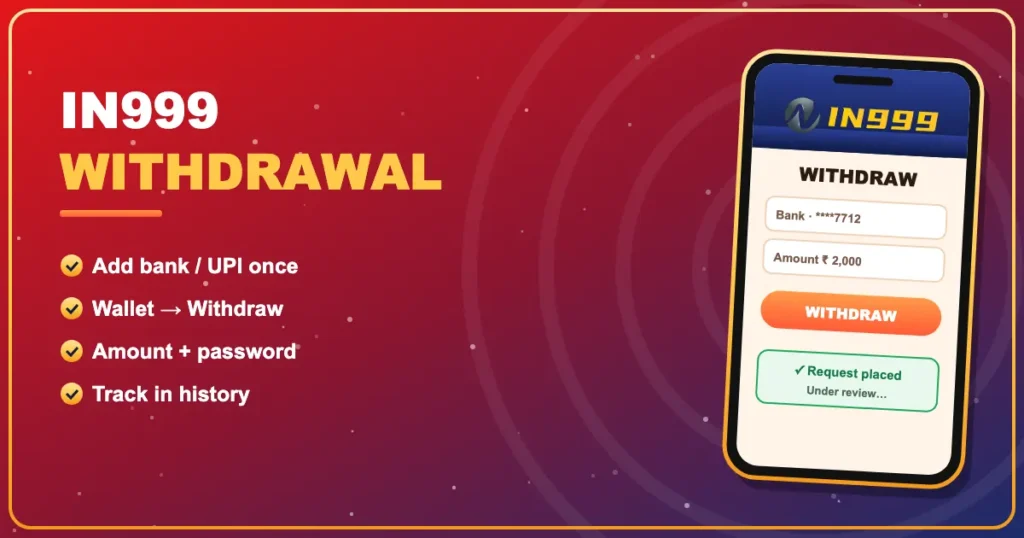

IN999 Withdrawal
Bank · UPIGet your IN999 game balance into your bank — and know what each status means.
Almost every ‘stuck’ IN999 withdrawal comes down to unfinished turnover, mismatched bank details or a slow bank. Set things up right and most of that disappears.
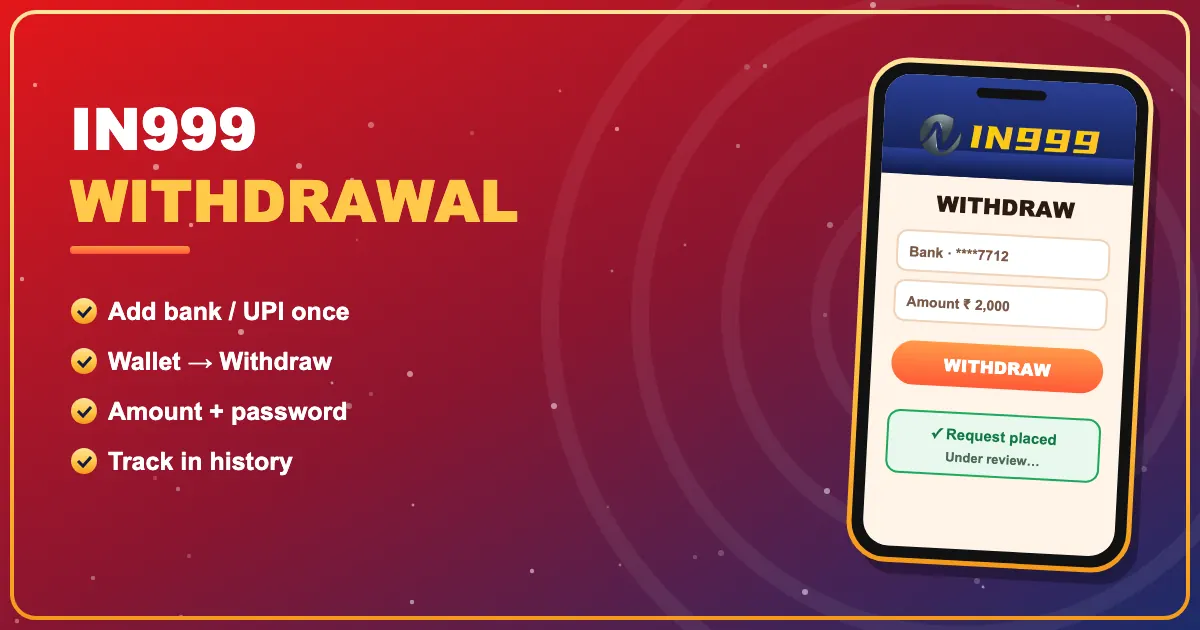
One-time setup
- Go to Account → Settings and create a withdrawal password.
- Add your bank account (name, account number, IFSC) or UPI ID.
- Make sure the name matches your bank record exactly.
Request a payout
- Open Wallet → Withdraw.
- Check that remaining turnover is zero.
- Enter an amount within the limits shown.
- Confirm with your withdrawal password.
- Follow the status in withdrawal history.
Payout statuses
| Under review | The request is being checked |
|---|---|
| Success | Sent to your bank — credit may lag a little |
| Rejected | Usually wrong bank details; funds return to wallet |
Waiting longer than you’d like? Read IN999 withdrawal under review before messaging support.
Back to the IN999 homepage or the deposit guide.
Manage your IN999 wallet
Free sign-up, quick UPI deposits and the full IN999 game lobby — your account is ready in about a minute.
Join IN999 NowIN999 LoginFrequently asked questions
How do I withdraw from IN999?
Add a bank account or UPI ID, set a withdrawal password, then use Wallet → Withdraw.
Why is the withdraw button blocked?
Turnover from a deposit or bonus is still pending. The screen shows how much is left.
How long does an IN999 withdrawal take?
Often quick, but reviews and bank processing can take longer, especially at night or on holidays.
What if my withdrawal is rejected?
The amount returns to your IN999 wallet. Check the bank details and try again.