

IN999 Forgot Password
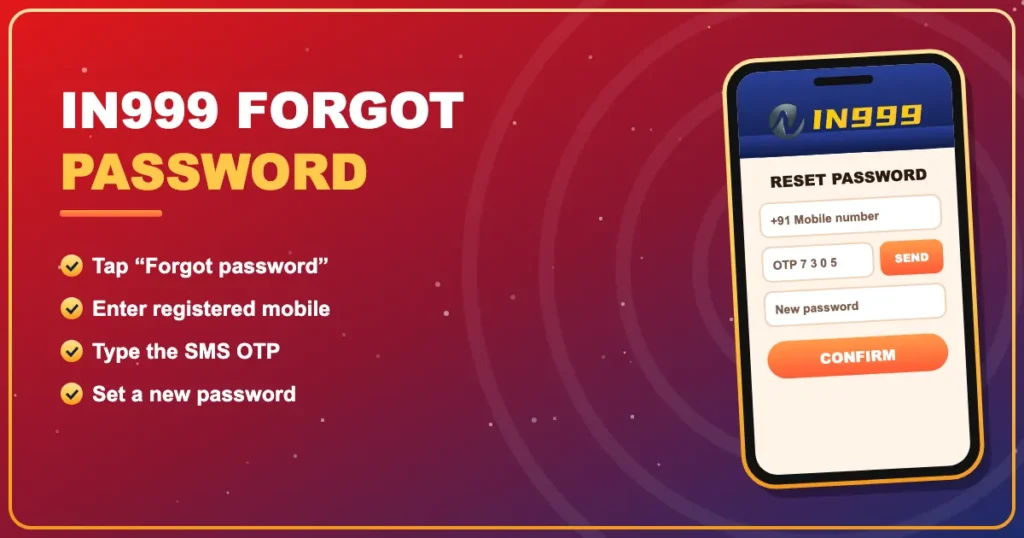
Reset in 4 stepsLocked out of IN999? Reset your password with an OTP and get back in.
You don’t need support to reset a forgotten password — the phone number on your account is enough.
Reset your login password
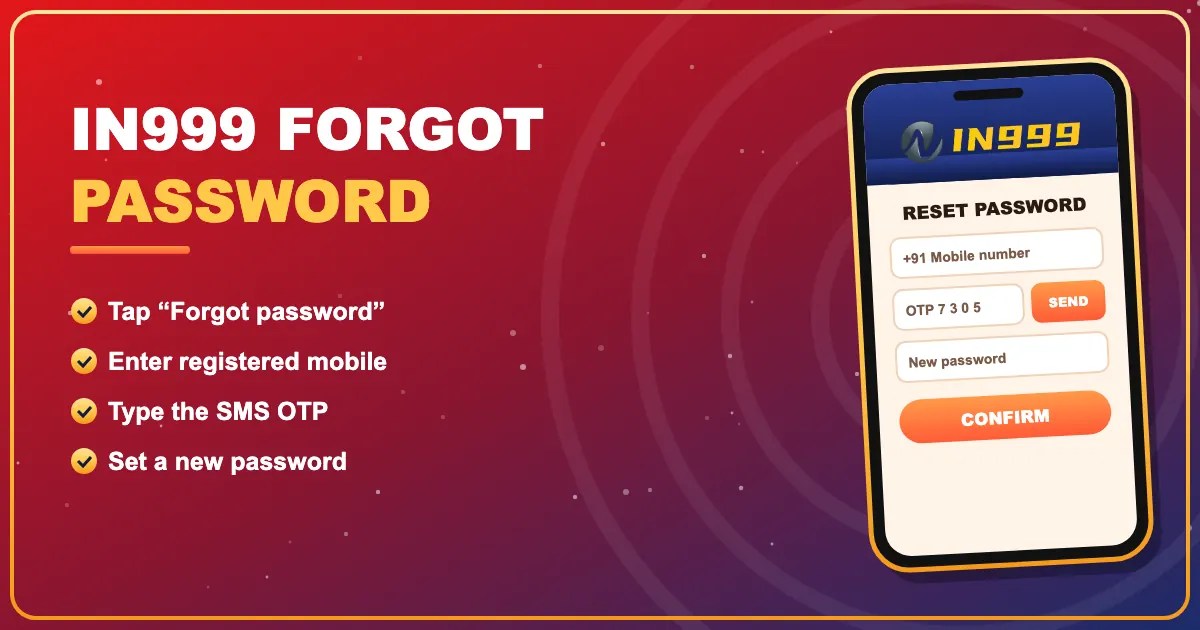
- Open the IN999 login page.
- Tap Forgot password.
- Enter your registered number and tap Send.
- Type the OTP, set a new password and confirm.
- Log in with the new password.
Change the withdrawal password
After logging in, go to Account → Settings → Withdrawal password, verify with OTP and pick a new one. Keep it different from your login password.
When the OTP doesn’t arrive
Most OTP problems are on the phone side — DND settings, a spam filter or weak signal. Our post IN999 OTP not received walks through six checks.
Back in? Return to the IN999 game homepage or read the full IN999 login guide.
Back to IN999
Free sign-up, quick UPI deposits and the full IN999 game lobby — your account is ready in about a minute.
Join IN999 NowIN999 LoginFrequently asked questions
How do I reset my IN999 password?
On the login page tap Forgot password, enter your registered number, type the SMS OTP and choose a new password.
I lost my old SIM. Can I still recover the account?
Contact IN999 customer care with proof such as recent deposit UTRs.
Is the withdrawal password the same?
No. It’s separate and is changed under Account → Settings.
How often can I request an OTP?
Roughly once a minute; too many requests trigger a short cooldown.